Turn WhatsApp Conversations into Qualified Leads with AI

A WhatsApp lead is more than a phone number. It is a conversation containing intent: what the person needs, when they need it, what they are comparing, and whether a human should follow up now.
An AI employee can collect that context while the buyer is engaged—then give your sales team a useful handoff instead of another anonymous contact.
Create a WhatsApp lead-capture employee
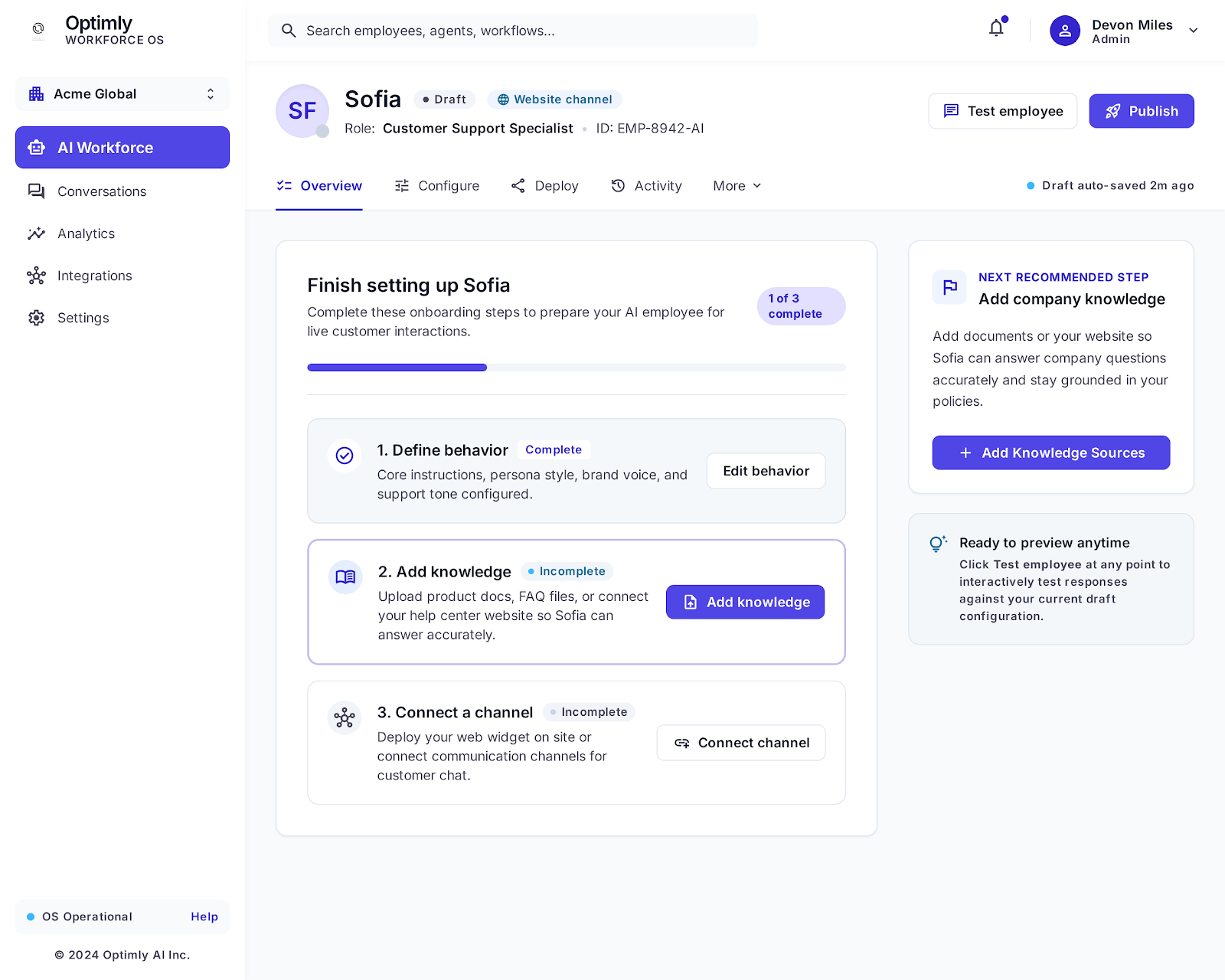
Ask fewer, better questions
A lead qualification flow should feel like a conversation. Start with the customer's reason for contacting you, then ask only what changes the next action:
- What are you trying to achieve?
- Which service or product is relevant?
- When do you want to start?
- What location, team size, or budget range matters?
- What is the best way for a person to follow up?
Do not make every visitor complete a sales form. If someone only asks for opening hours, answer them and stop.
Give the employee a clear qualification rule
Write the rule in plain language. For example:
Capture a lead when the person shows buying intent and provides a way to follow up.
Ask for timing and the service they need before marking the lead qualified.
Escalate immediately when the person requests a human or mentions an urgent issue.
Never promise a discount, delivery date, or appointment unless it appears in the knowledge base.
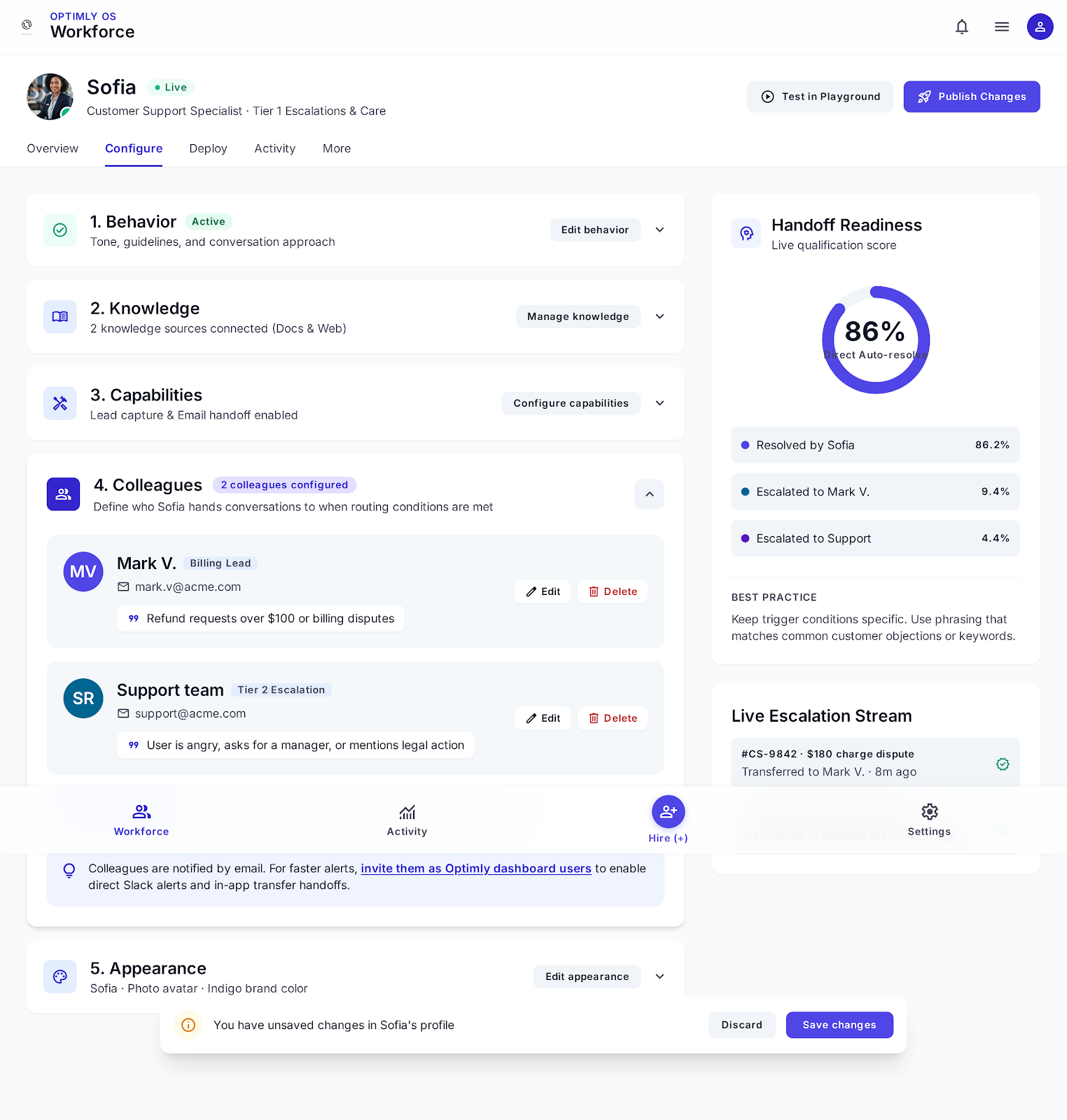
The employee should summarize the conversation for sales: need, timing, product, objections, and requested follow-up. That summary is more valuable than a generic “new lead” alert.
Connect the channel with a QR scan
Pair your dedicated WhatsApp number in Optimly using the OpenWA QR connection. Then test the exact path a prospect will take: greeting, qualification, product question, objection, and human handoff.
A QR connection is a fast way to validate the lead workflow before investing in more infrastructure. Keep consent and messaging policies in place, and use inbound conversations as the starting point.
Connect useful tools only when needed
Once the basic flow works, add one tool that removes a real bottleneck: a booking system, CRM lookup, inventory check, or calculator. An employee with one reliable tool beats an employee with ten fragile integrations.
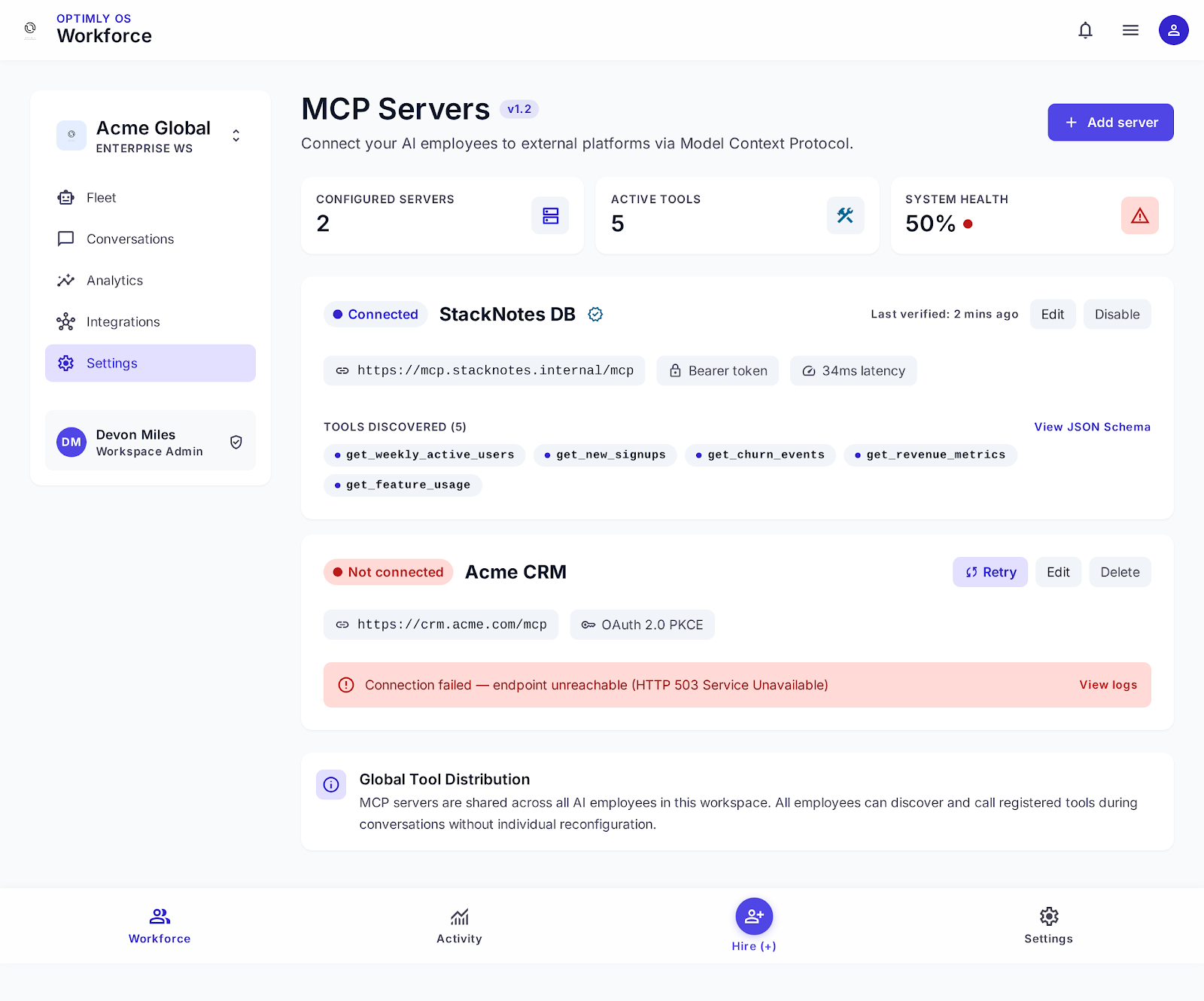
Document what the employee may read or change. For example, let it check appointment availability but require a person to approve a non-standard price.
Measure lead quality, not chatbot activity
Use these metrics to decide whether the workflow is working:
- Qualified leads per 100 WhatsApp conversations.
- Percentage of qualified leads that receive a human follow-up.
- Time from first message to sales handoff.
- Lead-to-meeting and lead-to-customer conversion.
- Top unanswered questions and objections.
Review a sample of conversations every week. If the employee captures many leads but sales cannot act on them, improve the qualification summary or routing rule before adding more automation.
A simple handoff template
New WhatsApp lead
Need: [customer's goal]
Product/service: [relevant offer]
Timing: [when they want help]
Context: [key questions or objections]
Next step: [requested follow-up]
Conversation: [link]
This gives a human enough context to continue naturally instead of repeating the discovery questions.
The goal is not to make sales disappear. It is to make every sales conversation start later in the process. Build the workflow in Optimly.