Replace Meta WhatsApp Integration with One QR Scan

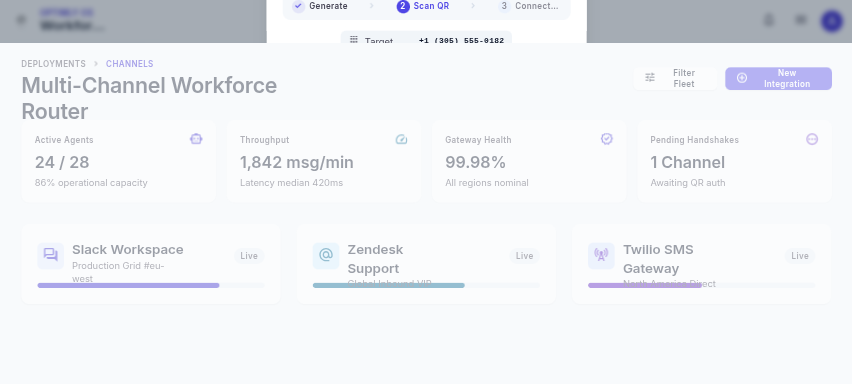
Meta app IDs, business verification, webhook endpoints, tokens, and a maze of settings are a lot to configure before a customer receives a single useful reply. Optimly takes a shorter route: scan one QR code and connect the WhatsApp number you already use.
Why teams are moving beyond Meta setup
The official Meta Cloud API can be the right choice for a large, heavily governed messaging operation. But many small businesses, agencies, and service teams need to validate an AI employee before taking on that operational overhead. A QR pairing flow is a practical way to test the workflow with a dedicated WhatsApp number.
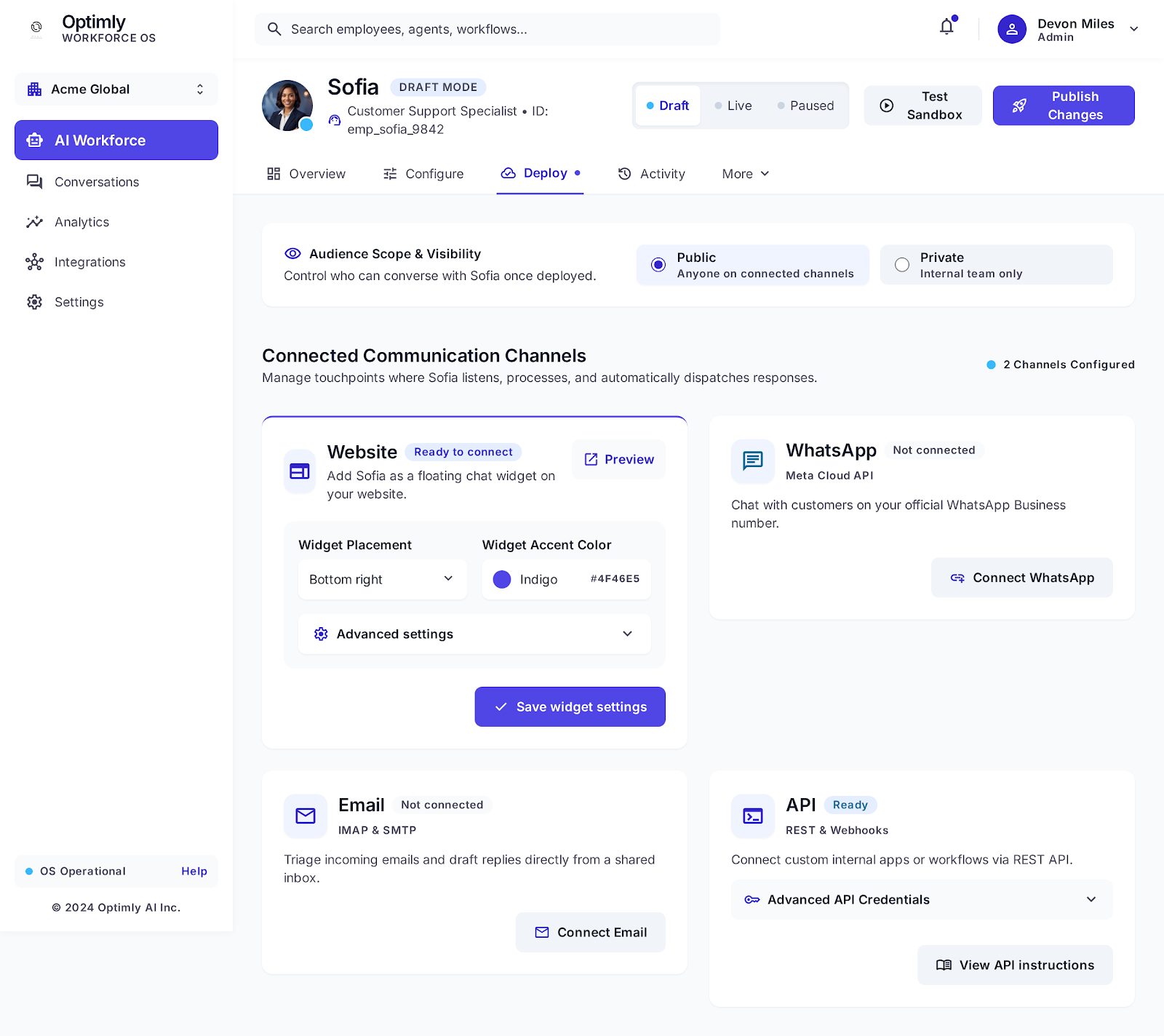
Optimly uses OpenWA for its WhatsApp connection. That means the channel connection starts from the Optimly dashboard rather than from a custom Meta developer application. You can keep the agent configuration, knowledge, deployment, and conversation review in one place.
Connect an AI employee in four steps
- Create an AI employee in Optimly and give it a narrow job: qualify leads, answer support questions, or book appointments.
- Open the employee's deployment or integration settings.
- Choose WhatsApp and display the pairing QR code.
- On the dedicated phone, open WhatsApp → Linked devices → Link a device, then scan.
After pairing, send a test message from a separate phone. Confirm that the message appears in the Optimly inbox, that the response follows the employee's instructions, and that a human can take over when needed.
QR pairing is not a shortcut around good operations
Use a dedicated business number, keep the phone online during initial pairing, and protect access to the linked-device session. Tell customers when they are speaking with AI, avoid unsolicited bulk messaging, and add an escalation rule for requests that require a person.
QR pairing also does not remove WhatsApp policy responsibilities. Your team still owns consent, privacy, message quality, and the number's reputation. The advantage is simply that you can get to a controlled pilot without building an integration stack first.
See every conversation, not just the connection status
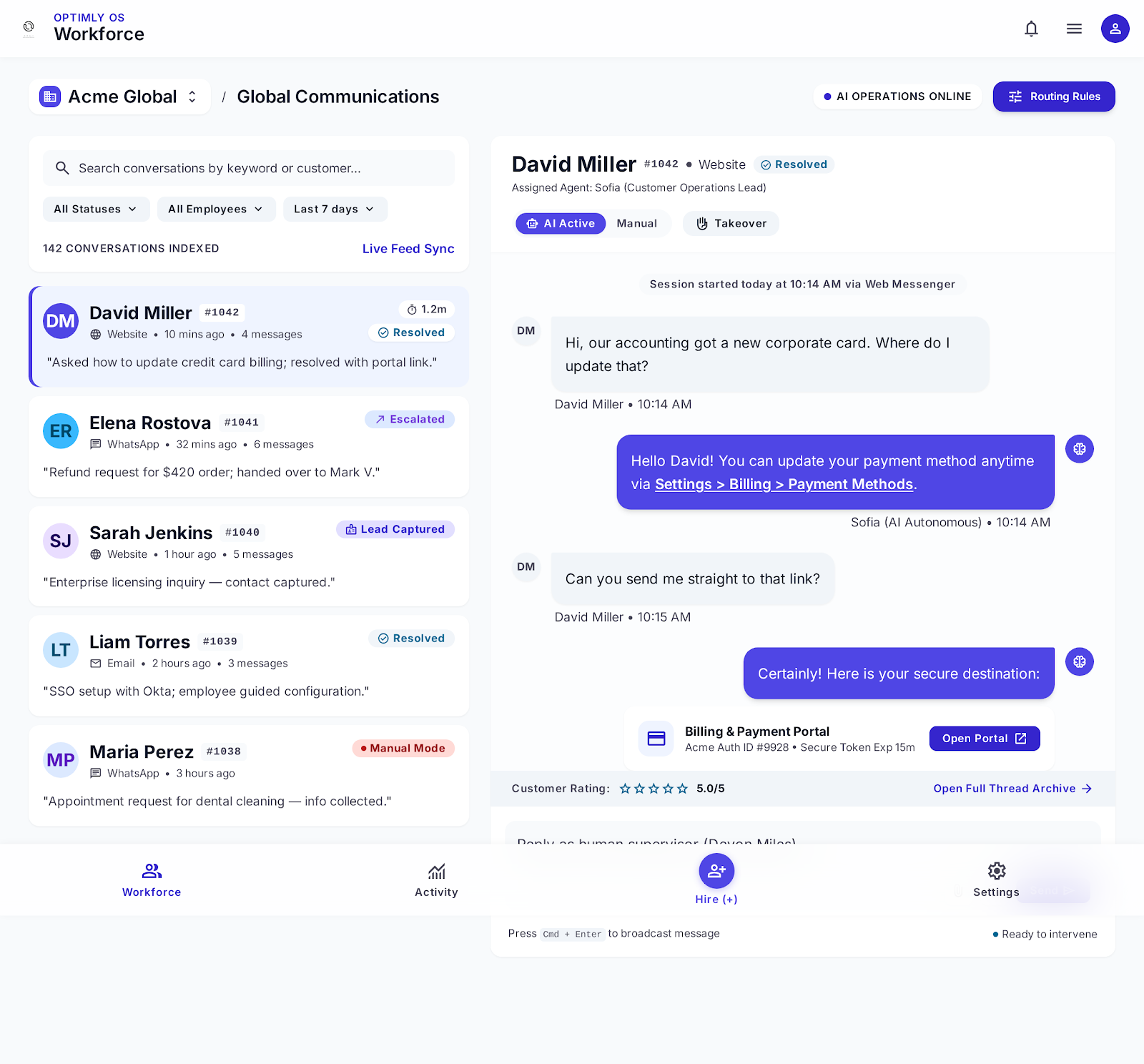
A connected number is only the beginning. Optimly records conversations so you can find unanswered questions, repeated objections, handoffs, and high-intent leads. Review these signals weekly and improve the employee's knowledge and instructions from real conversations.
The fastest pilot checklist
- Use a dedicated WhatsApp number.
- Define one job and three escalation rules.
- Load your FAQs, pricing boundaries, and booking process.
- Pair with the QR code.
- Test a normal question, an unknown question, and a human handoff.
- Review the first 20 conversations before promoting the number.
Bottom line: if your goal is to test an AI employee on WhatsApp, start with the smallest integration that can prove value. Start your Optimly workspace and replace weeks of setup with one scan.